SSHThing: I wanted Termius, but in my Terminal
December 19, 2025 · 3 min read
Why I Built This
I used to rely heavily on Termius to manage my SSH connections. It's a great tool, but as I started graduating and moving away from student perks (like the GitHub Student Developer Pack), I took a step back to look at my workflow.
I found myself living in the terminal more and more—spinning up containers, managing VMs, and deploying projects. While macOS has the native ssh command, managing dozens of keys, hosts, and IP addresses with just a config file felt clunky. I wanted the friendly UI of Termius, but I wanted it inside the terminal where I was already working.
I also saw the rise of modern TUI (Terminal User Interface) applications built with Go and Bubble Tea. It felt like the perfect time to build the tool I actually needed: a proper SSH manager that feels native to the CLI.
What It Does
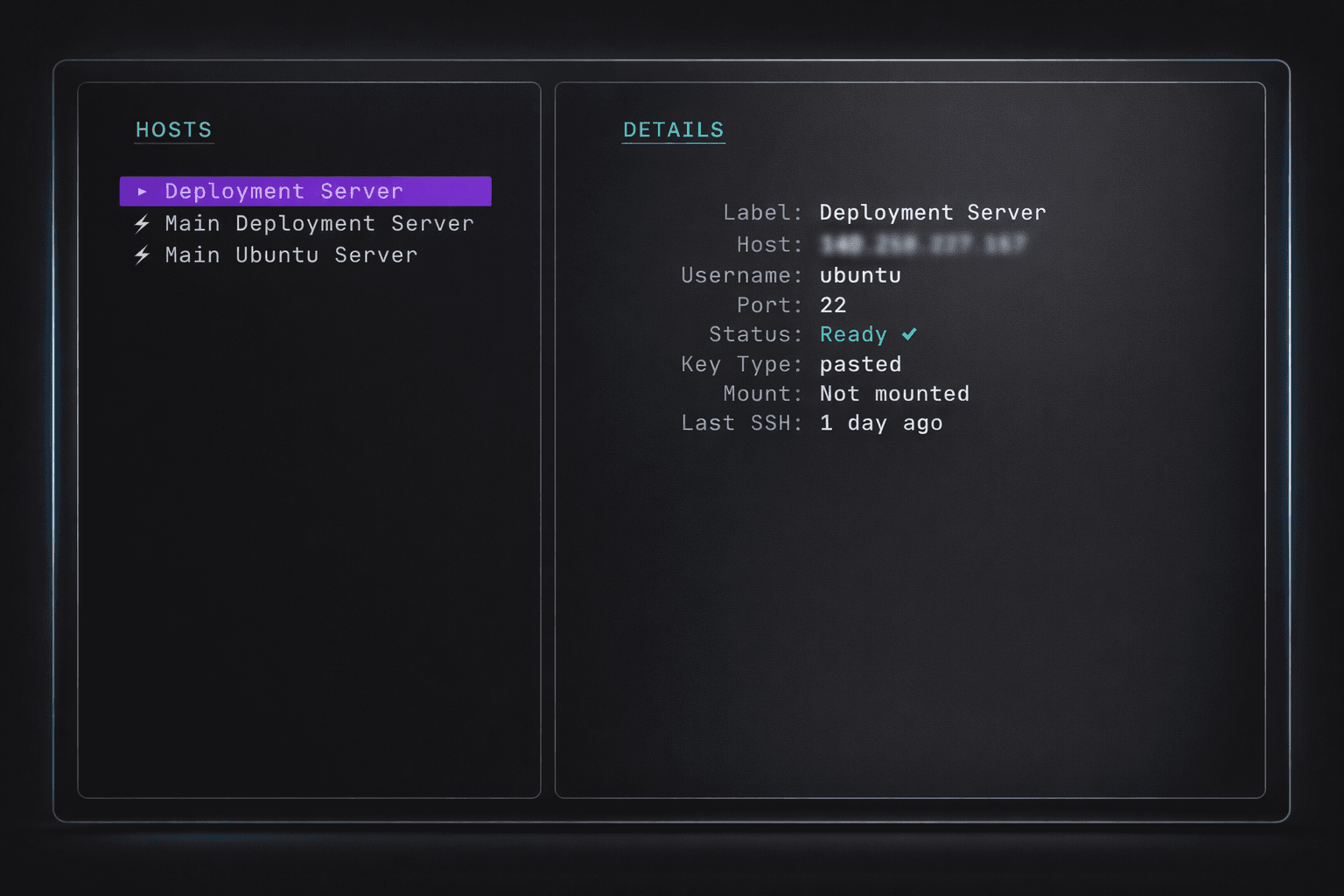
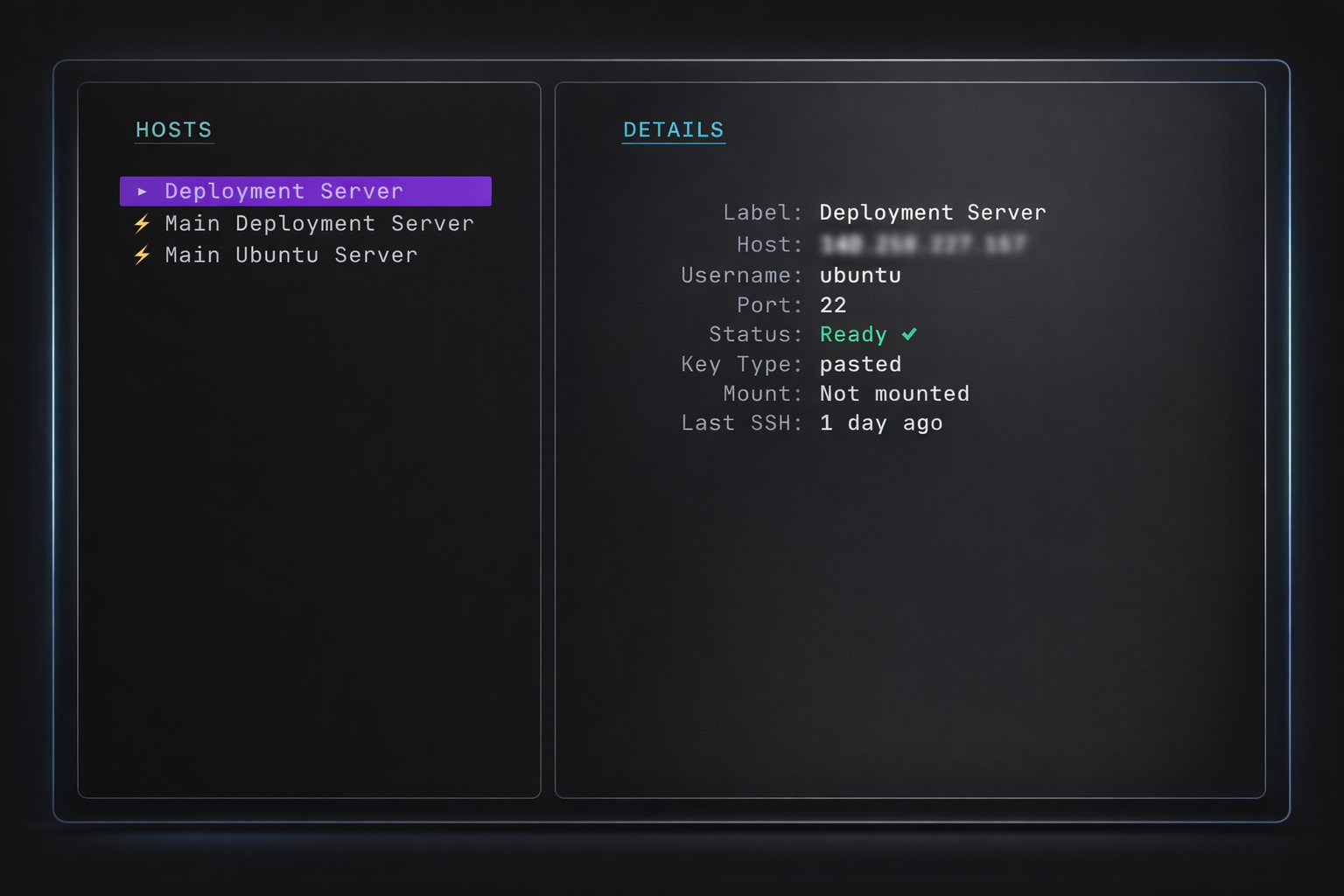
SSHThing is a TUI that lets you save, organize, and connect to SSH hosts securely. It replaces the need to manually juggle ~/.ssh/config files or copy-paste IP addresses from a notepad. You just open it, filter for the server you need, and hit Enter.
Key Features
Secure & Encrypted
I didn't want to store credentials in plain text. SSHThing uses SQLCipher to encrypt the entire database and protects individual private keys with AES-GCM. Everything is locked behind a master password.
Fast Search (Spotlight)
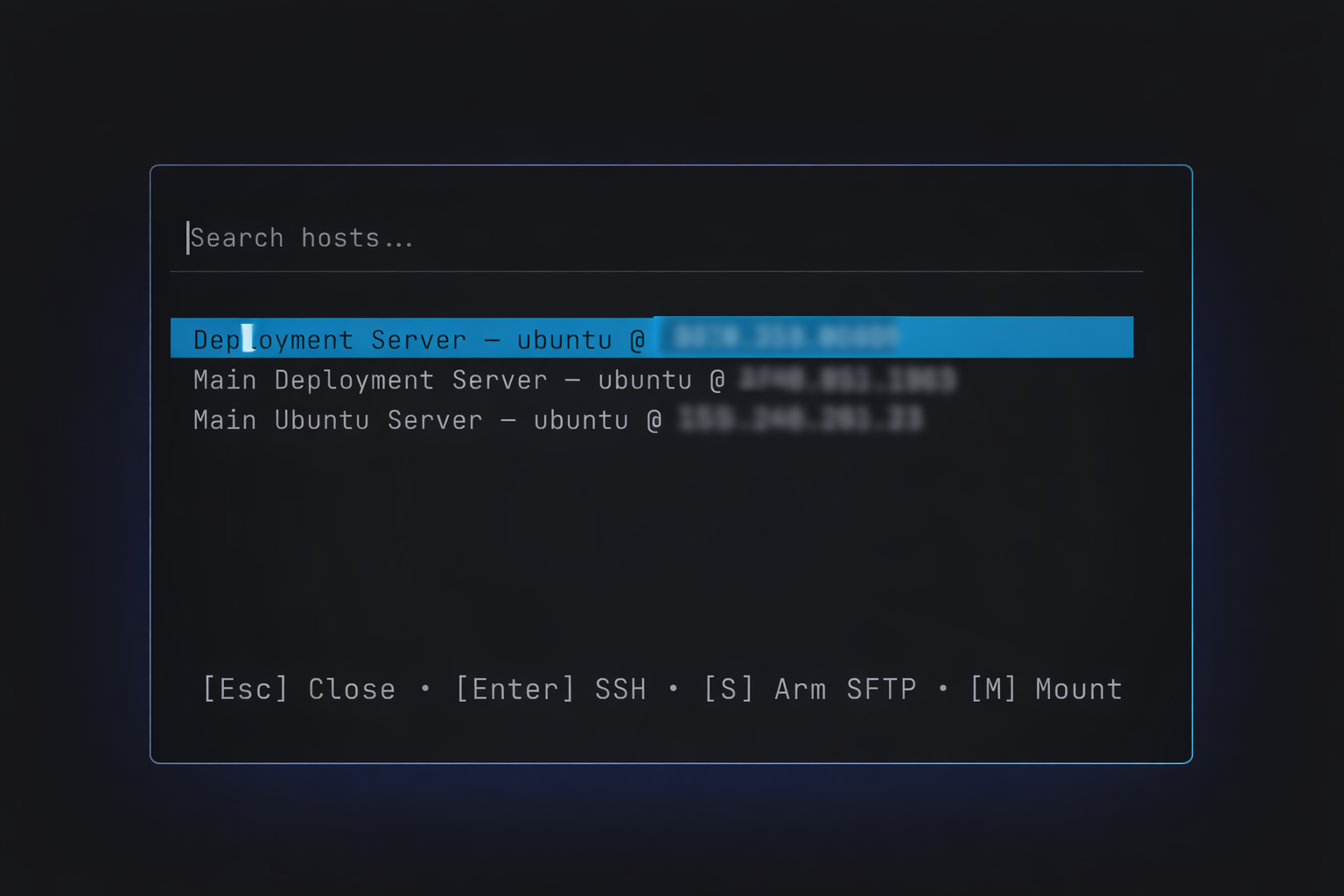
If you manage a lot of infrastructure, scrolling lists is slow. I added a spotlight search (press /) so you can type a few letters of a hostname or label and connect instantly.
Multi-Device Sync (via GitHub)
Since I work across different machines, I needed a reliable way to keep my hosts in sync without sacrificing security. SSHThing solves this by using a private GitHub repository as your sync backend.
Here is how it works:
- Encryption: Before anything leaves your computer, your hosts and private keys are encrypted using your master password (AES-GCM).
- The Cloud: SSHThing pushes this encrypted blob to a private Git repository of your choice.
- Restore: On a new machine, you simply point SSHThing to that repo. As long as you use the same master password, it decrypts your setup and you are ready to go.
This means your sensitive keys are never stored in plain text on GitHub—they are always locked behind your master password.
Finder Mounts (macOS Beta)
Sometimes you just need to drag-and-drop a file. I added a feature using sshfs that lets you mount a remote server directly into the macOS Finder with one keystroke (M).
Easy Management
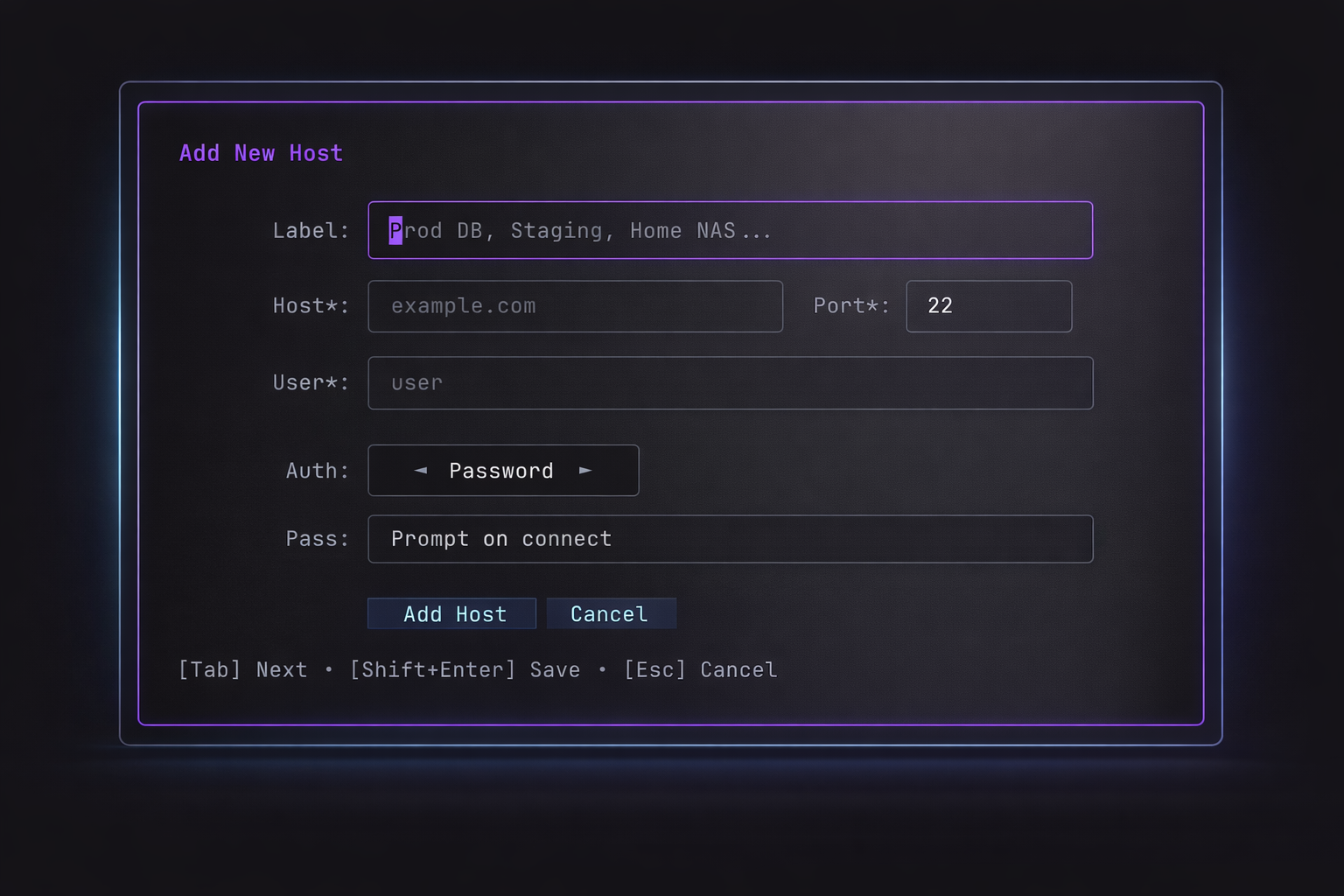
Adding a host shouldn't require reading man pages. The "Add Host" modal handles keys, ports, and labels in a simple form.
How to Try It
Right now, SSHThing is optimized for macOS (especially with the specific mounting features). You can install it easily via Homebrew:
brew tap vansh-raja/tap
brew install sshthing
Once installed, just run sshthing to set up your master password.
What's Next
While it's currently focused on macOS, the core logic is written in Go, so I'm looking into bringing it to Windows and Linux in the future.
This is a fully open-source project. if you are a developer who lives in the terminal or a sysadmin managing a fleet of machines, I'd love for you to give it a spin.