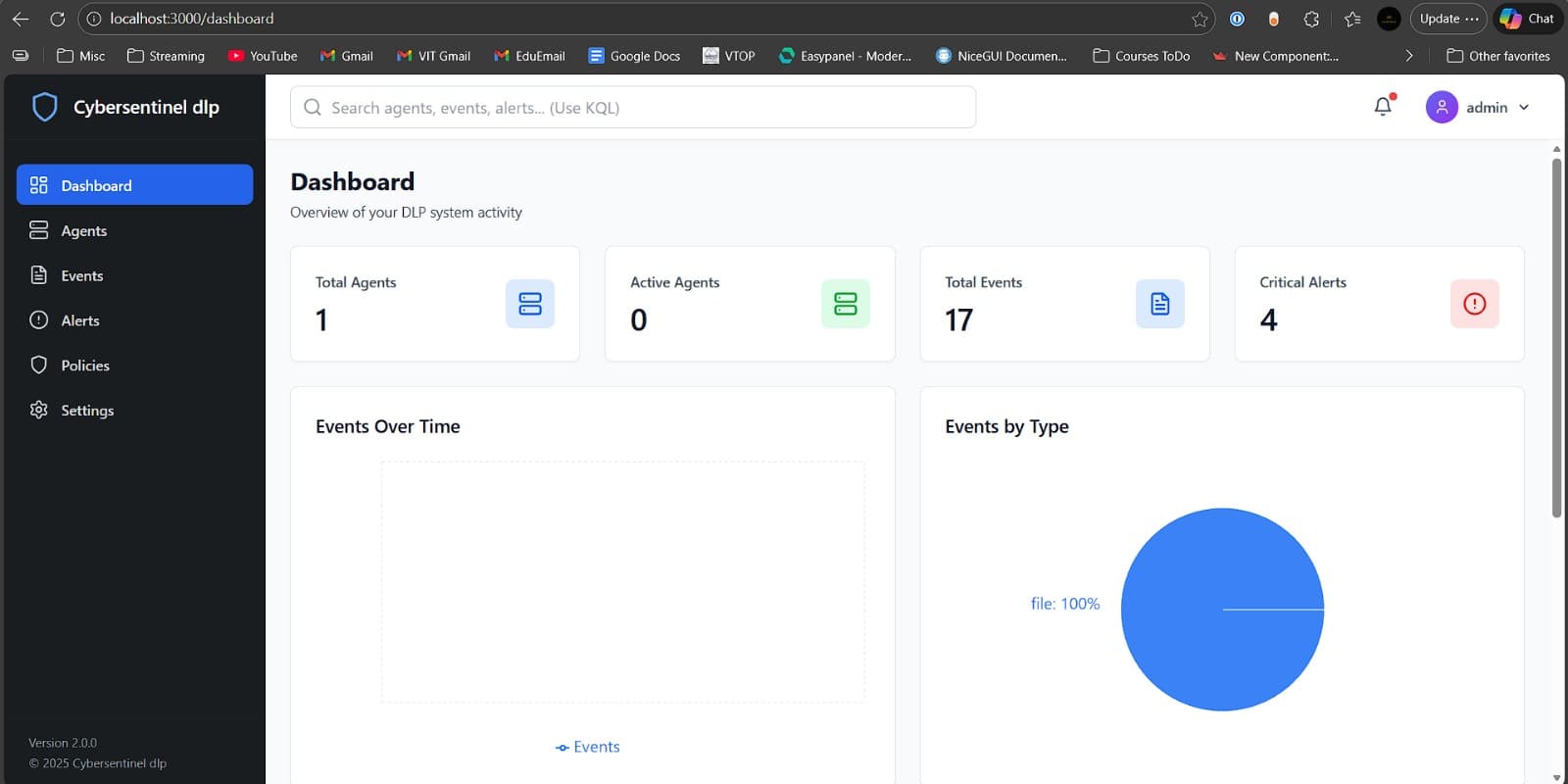
CyberSentinel DLP: Building a Data Loss Prevention System
December 22, 2025 · 2 min read
I'm building a Data Loss Prevention system as part of my internship at Virtual Galaxy, a cybersecurity company. It's a proof-of-concept—something to show that the idea works before taking it further.
The Basic Idea
Companies have sensitive data. Credit card numbers, ID documents, passwords, API keys. Sometimes this data leaves the company in ways it shouldn't—copied to a USB drive, uploaded to personal cloud storage, or just sitting in clipboard memory.
CyberSentinel watches for this. It runs agents on Windows and Linux machines that monitor files, clipboard, and USB devices. When something sensitive is detected, it logs the event, sends an alert, or blocks the transfer.
What It Can Do
Watch Files Pick a folder. The agent monitors everything that happens there—new files, edits, moves, deletes. If a file contains sensitive patterns, it gets flagged.
Block USB Copies On Windows, if someone tries to copy a protected file to a USB drive, the agent catches it and deletes the copy. The original file stays safe, and the event shows up in the dashboard.
Monitor Clipboard When text is copied to clipboard, the agent checks it. If it looks like an Aadhaar number or a database password, it gets logged.
Track Google Drive Connect your Google Drive, pick folders to protect, and the system polls for activity. File uploads, edits, or deletes in those folders appear in the dashboard.
The Dashboard
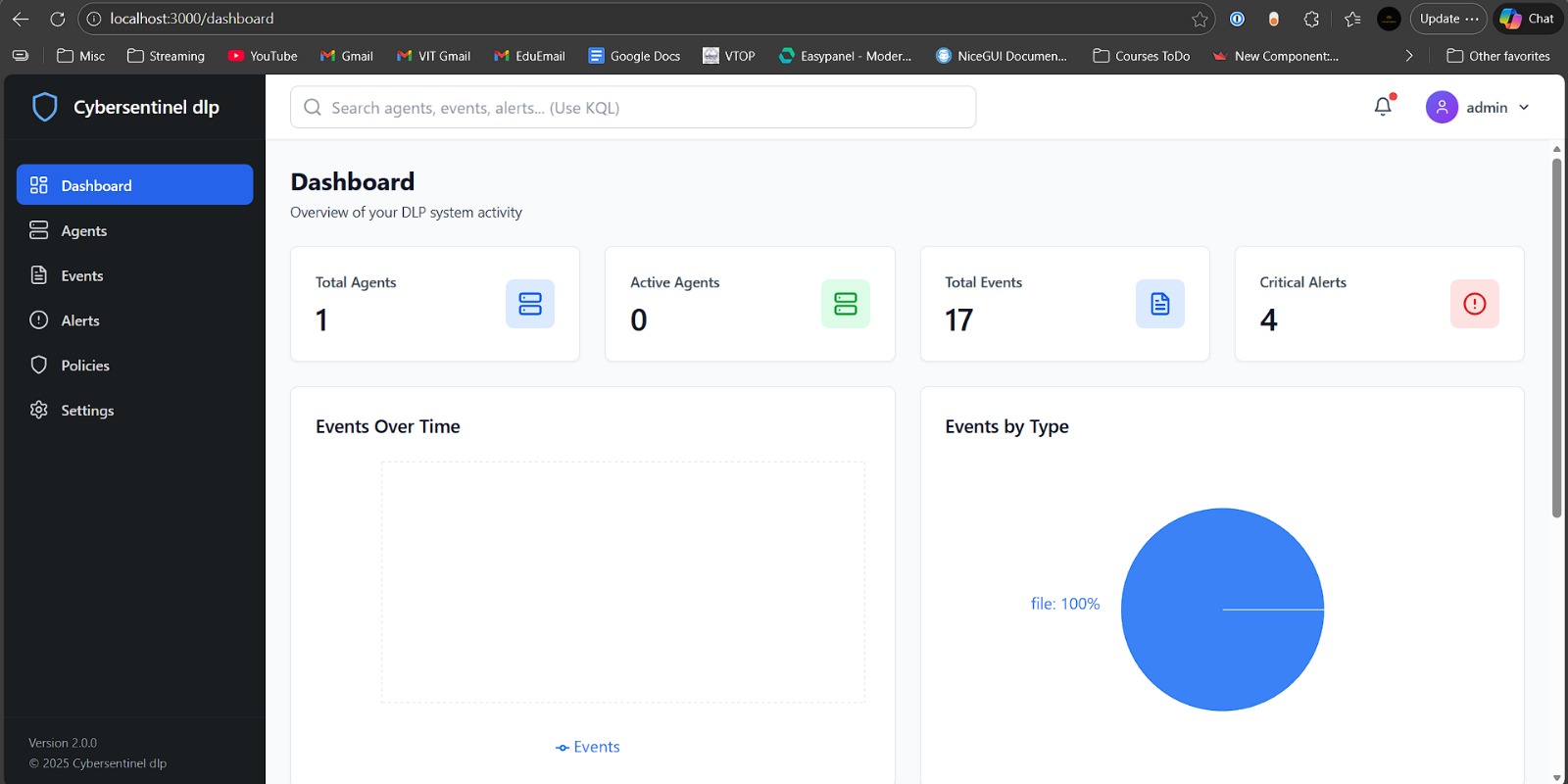
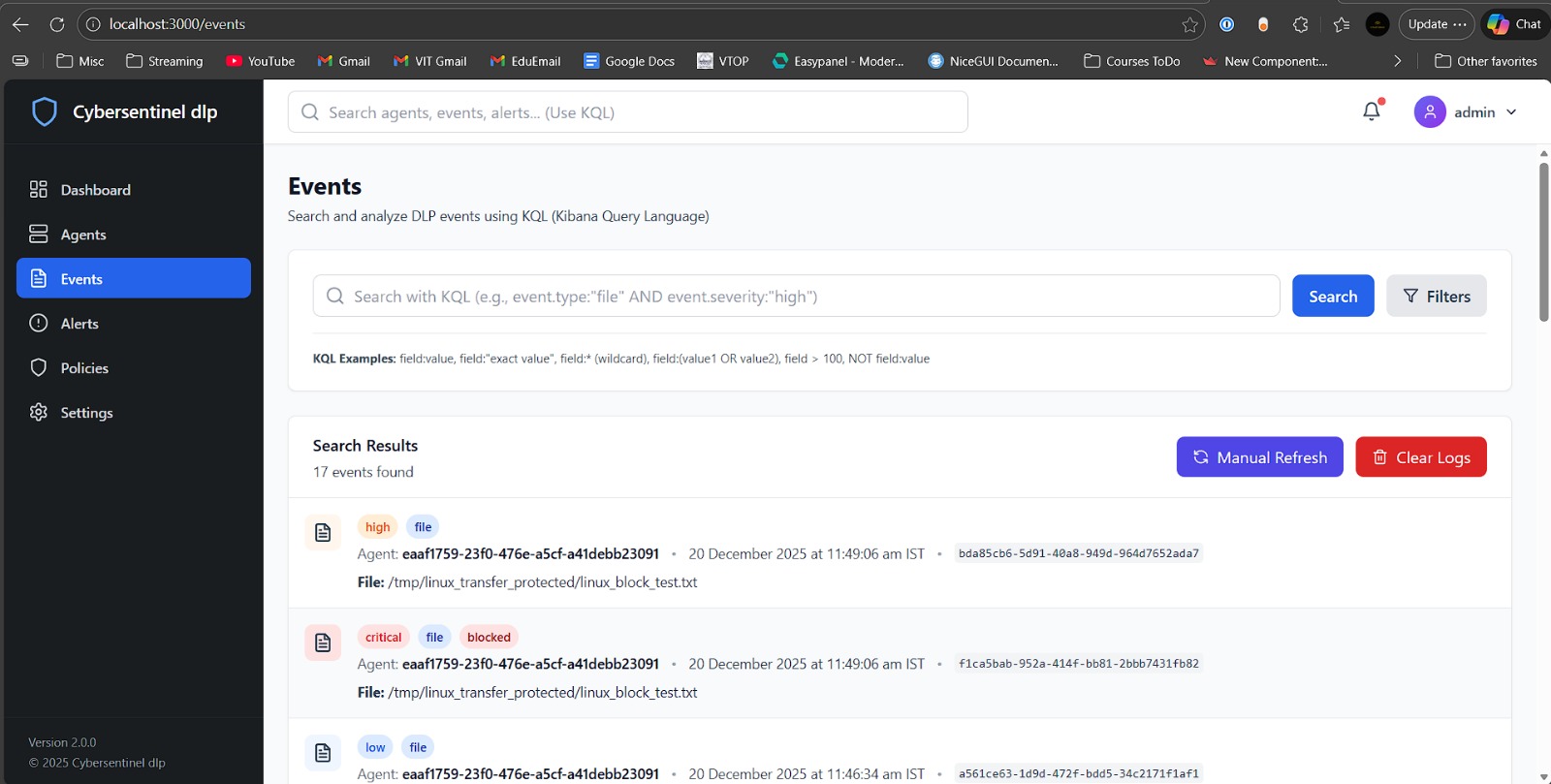
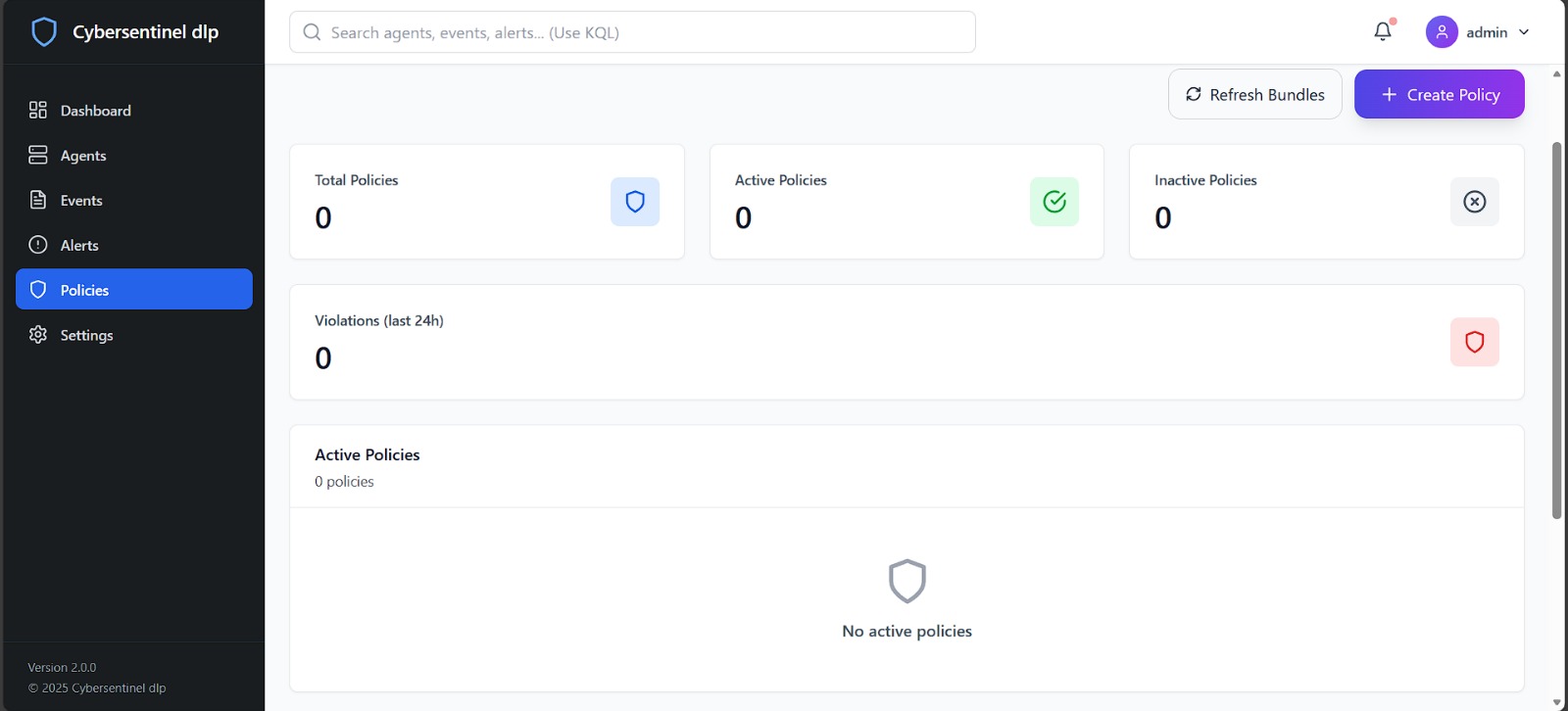
Everything flows into a React dashboard. You can see live events, check which agents are online, and create policies that define what to watch for and what action to take.
What's New For Me
I come from an AI and machine learning background. This project is different. Instead of training models, I'm talking to Windows APIs, hashing files, and managing threads that watch USB ports.
My coworker gave me the starting framework. Since then, I've been adding features one by one—USB blocking, clipboard monitoring, Google Drive integration. Each one required figuring out how that part of the system actually works.
What's Next
Right now I'm working on OneDrive integration. Same idea as Google Drive, but it uses Azure APIs. It's my first time working with Azure, so there's some learning involved.
After that, the proof-of-concept should be complete enough for Virtual Galaxy to decide next steps.
Work in progress. Built during my internship at Virtual Galaxy.