I Built My Own Budget App Because None of Them Were Simple Enough
January 5, 2026 · 4 min read
Update — February 2026
A lot has changed since I wrote this post. BudgetThing isn't a Swift app anymore.
I rewrote the whole thing in Expo (React Native). The original app was offline-only and simple, but I wanted to add shared expenses — Splitwise-style trip splitting with friends — and that meant the app needed accounts, cloud sync, the works. Staying on Swift with no backend wasn't going to cut it.
So now there's a proper Convex backend, Clerk auth with Sign in with Apple, and real multi-device sync. You can sign in on a new phone and your data is just there. That part I'm genuinely proud of — getting the sync engine right with offline-first SQLite and a pull-cursor pattern took some work.
The Splitwise clone is fully baked in: create a trip, invite people with a join code, add expenses, split them five different ways (equal, percentage, shares, exact, or equal among selected people), and settle up. It tracks who owes who and suggests the minimum number of payments. All synced in real time across everyone's devices.
The app also has a guest mode now — no sign-up required, everything works offline, and when you're ready to sync you just sign in and your data carries over.
Still on TestFlight, still v2.0.4. Development has slowed down since I started working full-time, but I'm using it daily here in Nagpur to figure out what's still missing before an App Store launch.
BudgetThing
I'm pretty organized in most areas of my life, but tracking money has never been one of them. I've tried a lot of budget apps. Some were too complicated, some were paid, some were free but full of ads. None of them stuck.
So I built my own.
The Problem
Every app I tried made adding an expense take too long. Open the app, tap "Add Expense," get taken to a new screen, enter the amount, swipe to another screen to pick a category, maybe add a note on yet another screen, then finally hit save. By the time you're done, you've forgotten why you opened the app in the first place.
I just wanted to type a number, pick a category, and move on.
What I Built
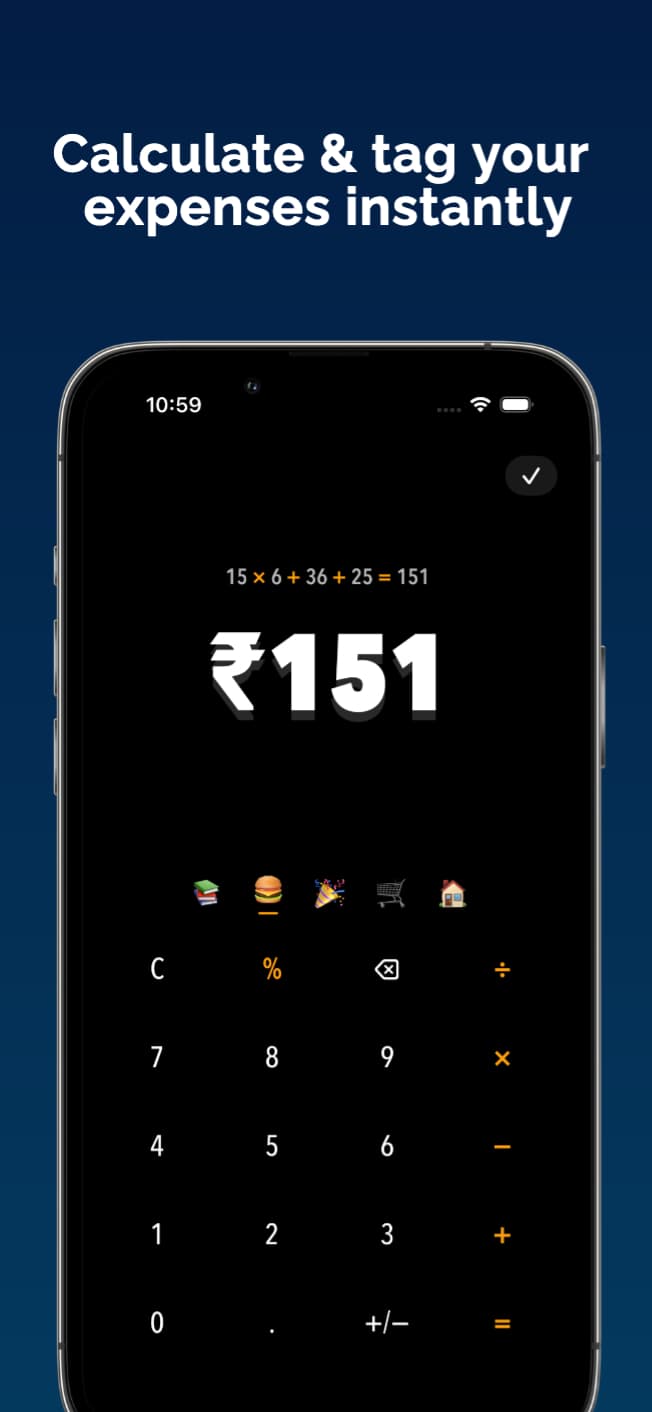
BudgetThing is a simple expense tracker for iPhone. The main screen is a calculator. You open the app, type the amount (you can even do quick math right there), pick a category, and hit the checkmark. Done. One screen.
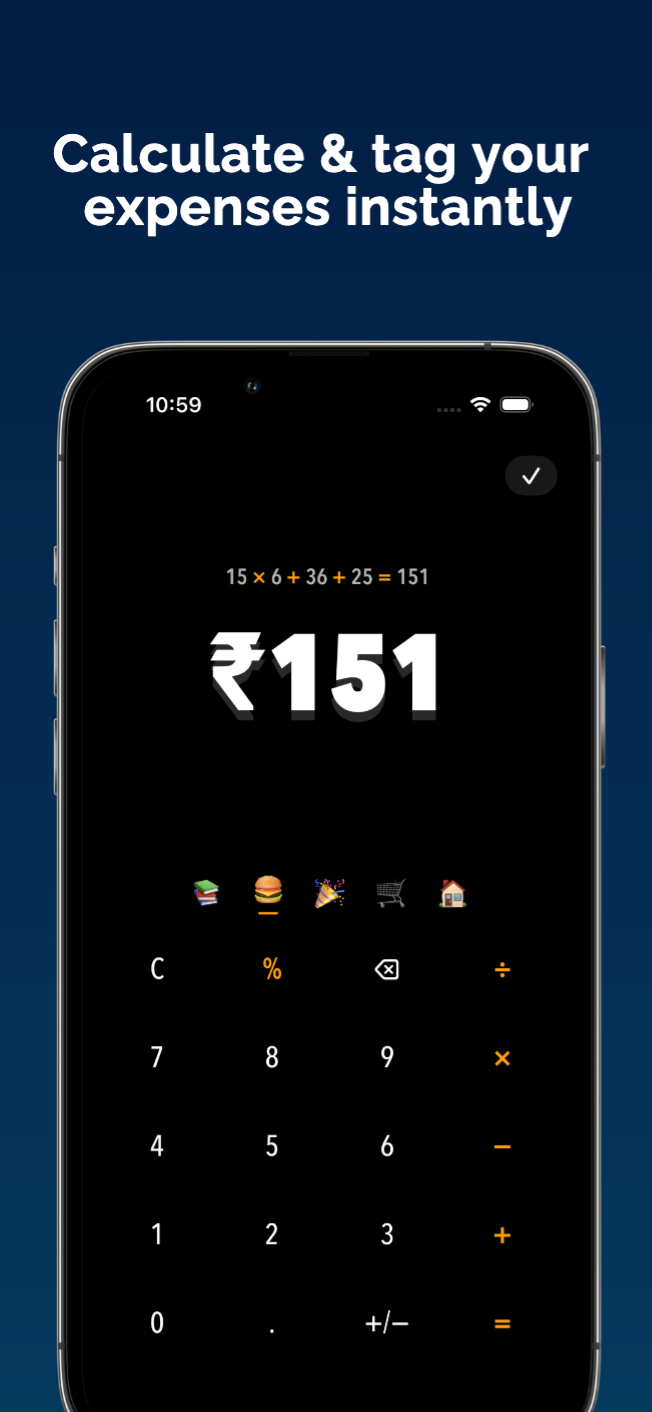
If you want to add a note or pick a specific account, those options are right there — but they're not required. The app doesn't force you through multiple steps just to log a coffee. The most common action should be the fastest one.
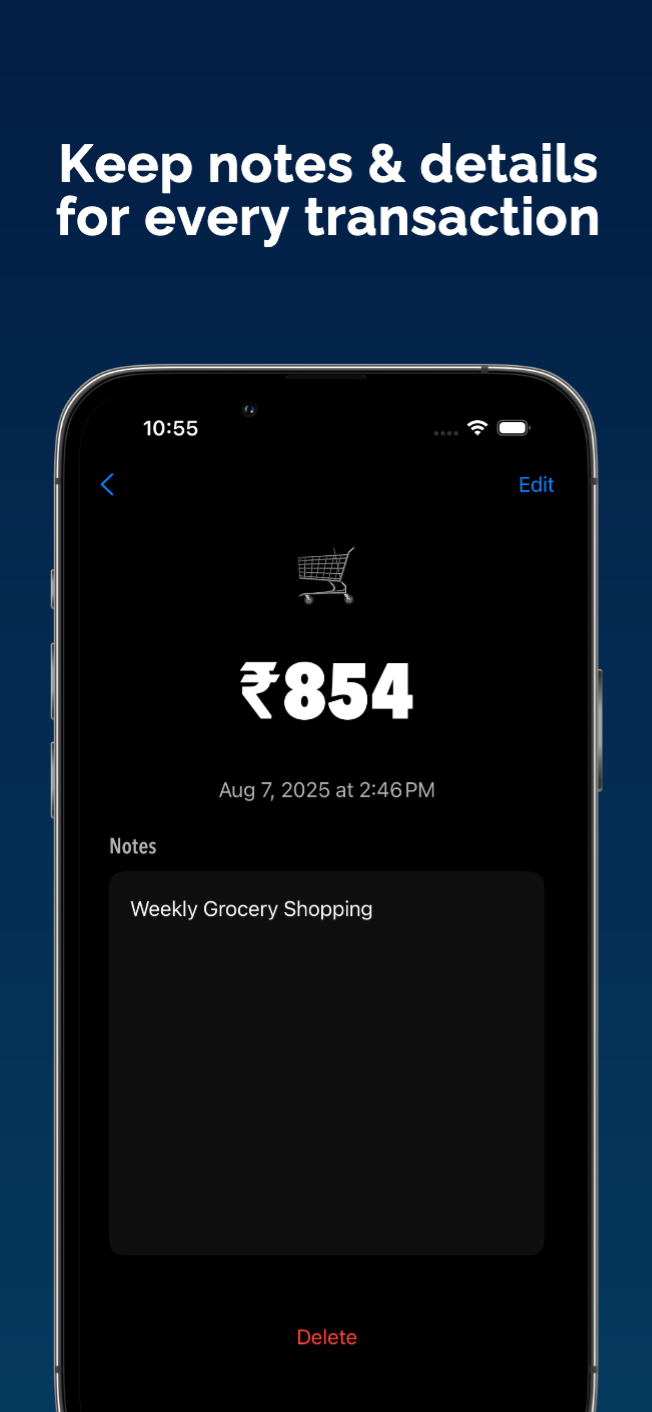
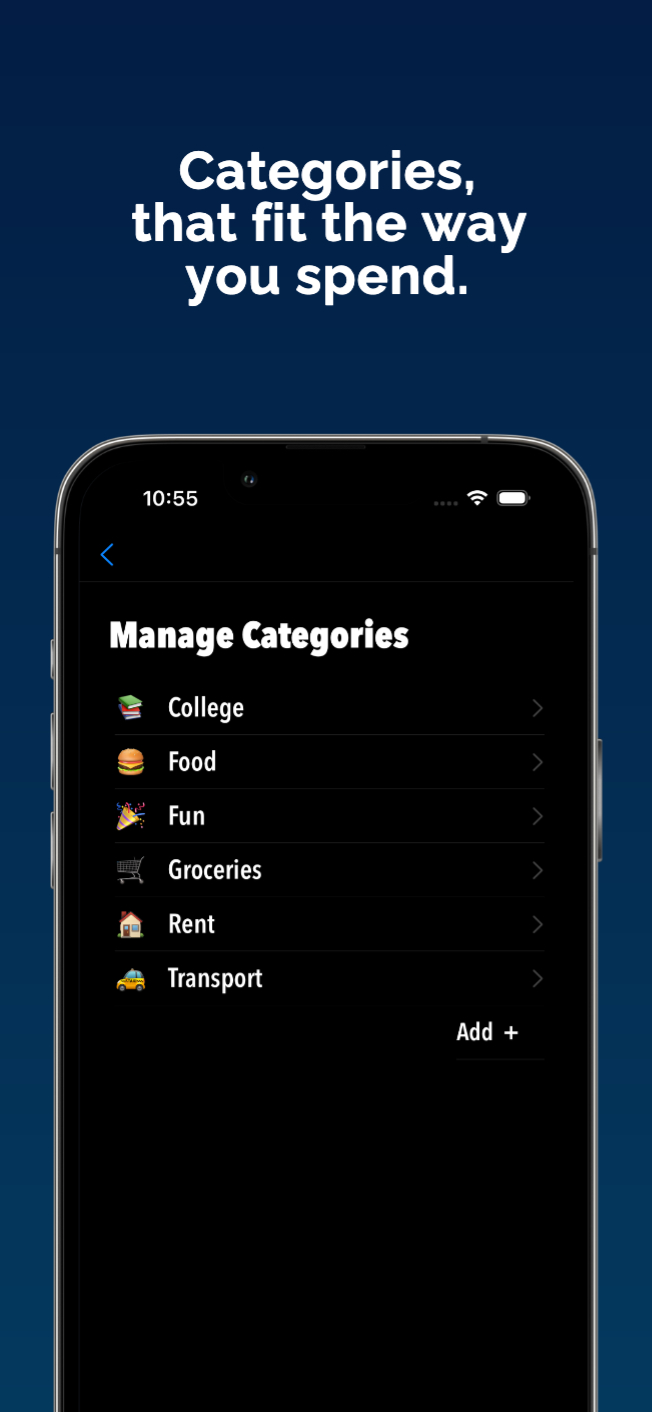
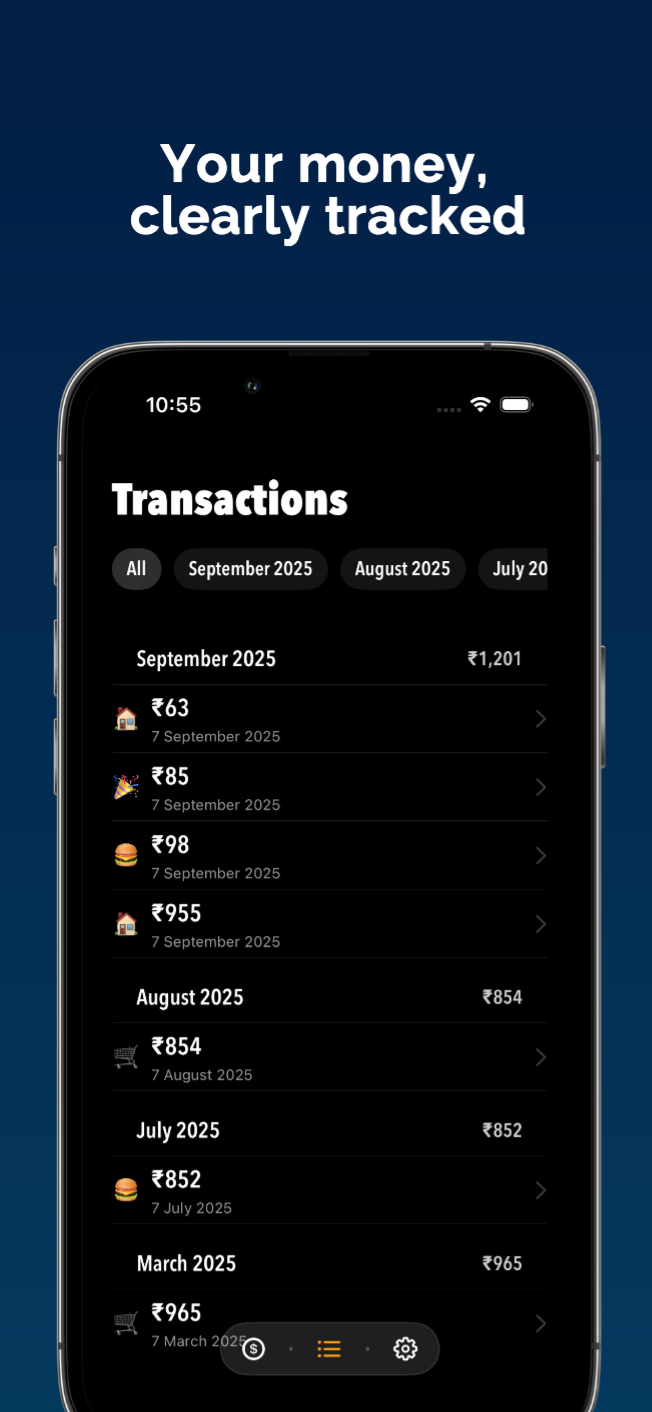
Categories use emoji so you can spot them at a glance. No reading through a list of text labels.
Transactions are grouped by month and easy to scroll through. You can filter if you need to.
The whole app is offline. No accounts, no sign-ups, no servers. Your data stays on your phone. I might add iCloud sync later, but for now it's simple and private.
Who It's For
Anyone who's given up on budgeting because every app made it feel like work. If you just want to track what you spend without learning a new system, this is for you.
What's Next
This was my first Swift app. I'd built an Expo app before, but this was my first time working with Swift and SwiftUI. I started simple — offline only, core features.
Now I'm working on a few additions. iCloud sync is on the list. And eventually I want to add something like Splitwise, where you can track shared expenses with friends and settle up.
Current Status
BudgetThing is in TestFlight right now. I worked on it heavily a few months ago, took a break, and I'm picking it back up now.
I'm still testing a few things, but I'll update this post with a TestFlight link once BudgetThing enters open beta.
Built because I got tired of apps that made simple things complicated.